

Managing multiple social accounts gets harder the moment a business grows past one person handling everything. Between scheduling posts, replying to comments, tracking engagement, and reporting on what’s actually working, it’s easy for social media to eat an entire workday. That workload is exactly why the market for tools that handle it has grown so fast: Grand View Research estimates the global social media management software market reached $29.9 billion in 2025 and expects it to hit $36.4 billion in 2026. Social media management tools solve this by putting scheduling, engagement, and analytics into a single dashboard instead of a dozen open tabs. This list covers seven of the best options available today: Vista Social, Hootsuite, Sprout Social, Buffer, Agorapulse, SocialPilot, and Later. Take a look at what each one offers so you can figure out which fits your team.
Why Use a Social Media Management Tool?
Posting consistently across several platforms is hard to do by hand, especially once a business is active on more than two or three networks. A management tool centralizes scheduling, so posts for Instagram, LinkedIn, and X can be planned from one calendar instead of logging into each app separately. Small businesses are leaning into this more than any other channel: in a January 2026 survey of over 1,500 small-business owners, EMARKETER reports that 68% said social media posting and paid ads would drive the most value for their business this year, ahead of every other marketing channel.
These tools also make it easier to keep up with comments and messages. Instead of checking notifications across five apps throughout the day, a shared inbox brings everything into one place, which cuts down on slow replies and missed messages. On top of that, most platforms include analytics, so a business can see what’s actually driving engagement rather than guessing.
What to Look for in a Social Media Management Tool
Not every tool is built the same way, so it helps to know what to compare before picking one. Platform coverage matters most: check whether a tool supports every network the business actually uses, including newer ones like Threads or Bluesky, since not all tools have caught up yet.
Pricing structure is worth checking closely too. Some tools charge per user, some charge per social profile or channel, and that difference can change the total cost significantly depending on team size. Beyond scheduling, check exactly what’s included in the base price versus sold as an add-on. Social listening in particular is often split into two tiers: monitoring your own profiles for free, and paying extra to track mentions across the wider web. That distinction matters more than it might seem: the 2025 Sprout Social Index found that 93% of consumers think it’s important for brands to stay culturally relevant on social media, which is hard to do without visibility into conversations happening outside a business’s own posts. Finally, consider who’s actually using the tool day to day. A tool with a steep learning curve can slow a small team down more than it helps.
How These Tools Help Manage Social Media
The tools on this list share a few core functions, even though they differ in depth and price:
- Scheduling and publishing across multiple networks from a single calendar
- A shared inbox for replying to comments and messages without switching apps
- Analytics and reporting to track engagement and performance over time
- Team collaboration features like approval workflows for agencies and larger teams
- Social listening in some tools, for tracking brand mentions beyond a business’s own posts
With that in mind, here’s a closer look at each option, with pricing verified against each company’s own pricing page as of August 2026.
1. Vista Social
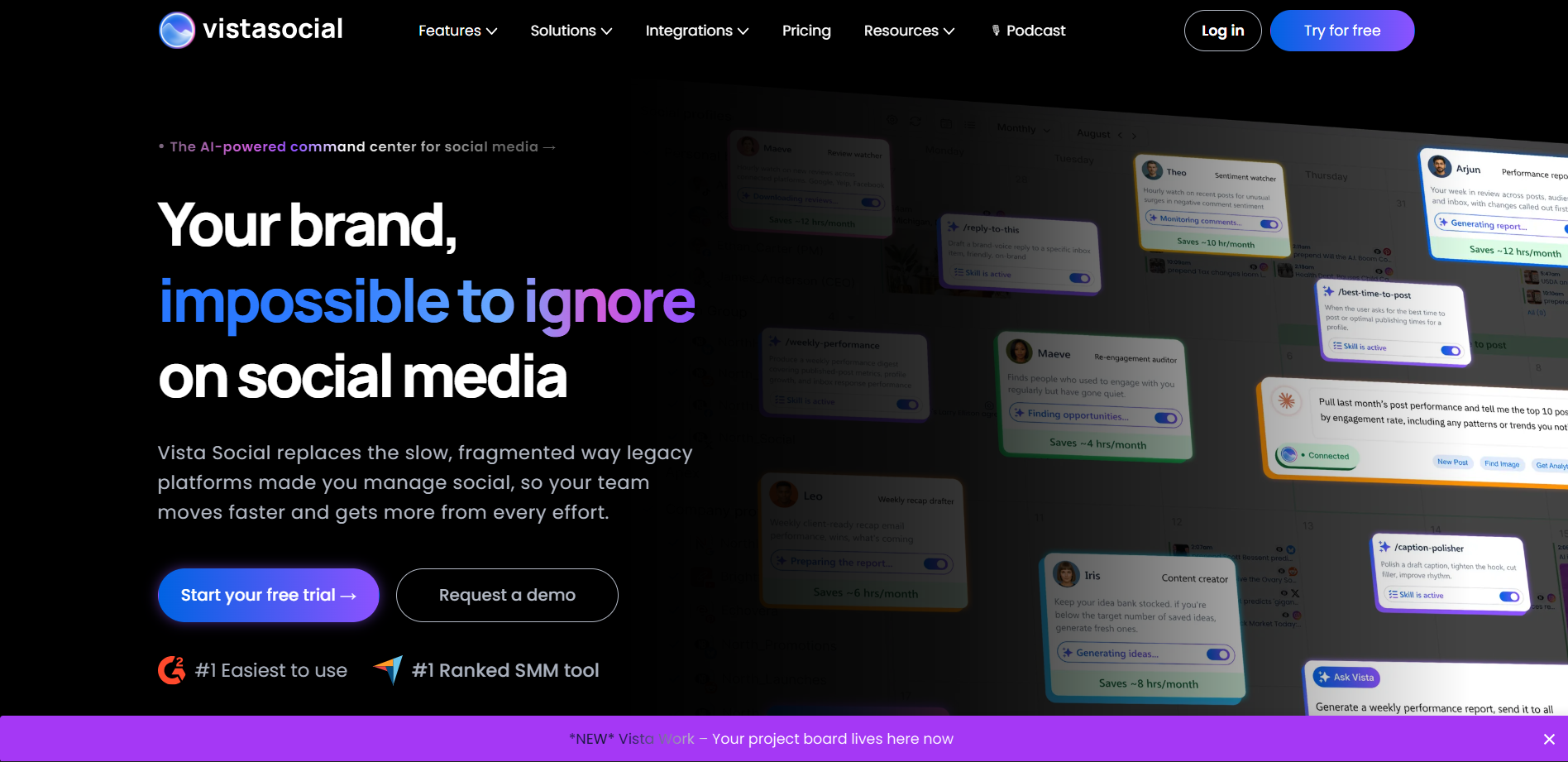
Vista Social is a social media management platform aimed at small businesses and agencies. Plans start at $79 a month, or $64 a month billed annually, with a 14-day free trial that doesn’t require a credit card. It connects to Facebook, Instagram, X, LinkedIn, Pinterest, TikTok, YouTube, Reddit, Threads, Bluesky, and Google Business, which covers more newer platforms than several competitors currently support.
Social listening and content approval workflows are included in its paid plans rather than sold separately, and its content calendar supports grid planning for Instagram and TikTok. On Capterra, it currently holds a 4.9-out-of-5 rating across around 890 reviews. The main limitation is that AI content credits are capped per plan (500 to 1,000 a month depending on tier), so teams that lean heavily on AI-generated captions may run through them before the billing cycle resets.
2. Hootsuite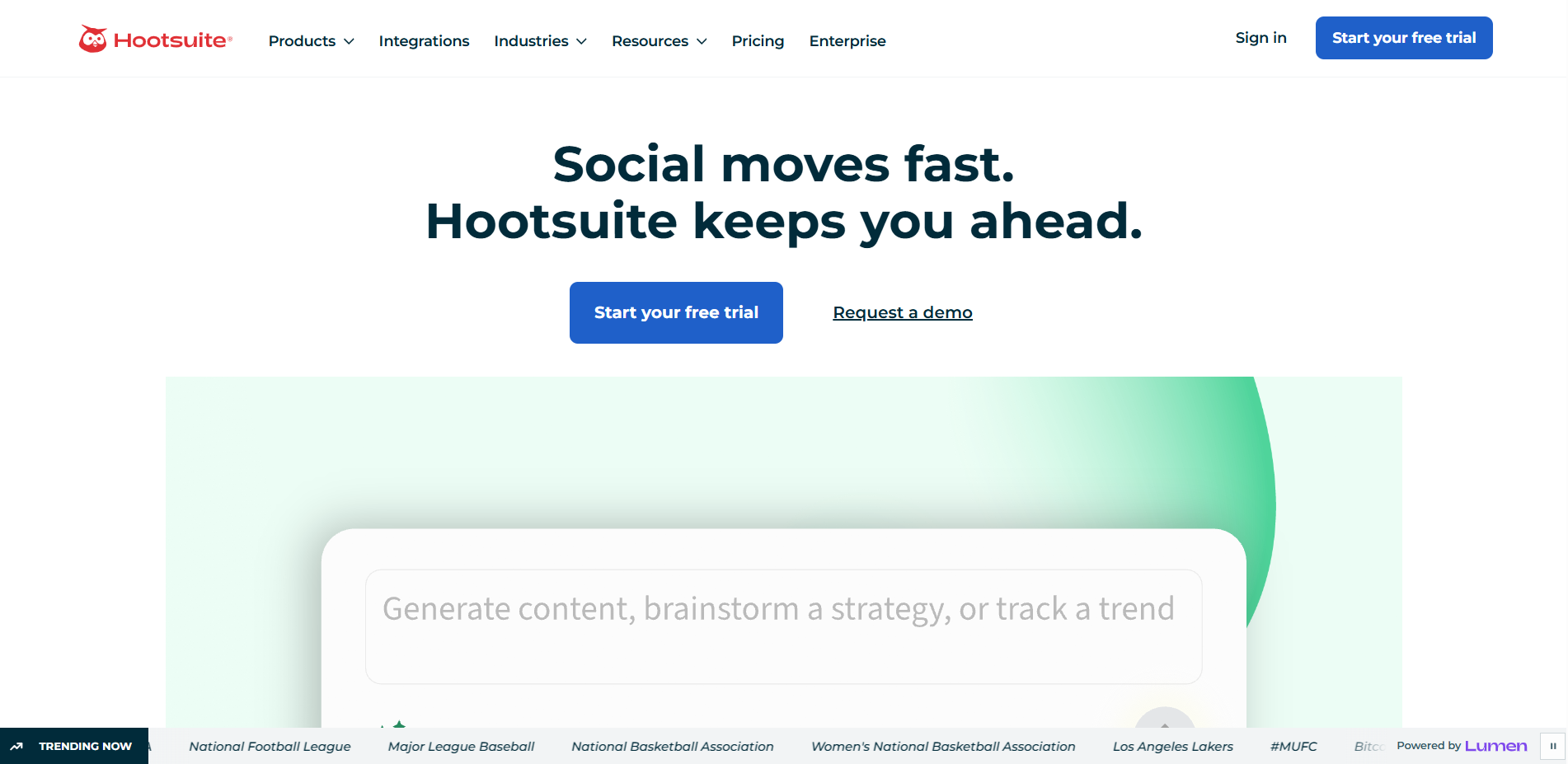
Hootsuite is one of the longest-running tools in this category and supports the widest range of social networks of any tool on this list. Pricing starts at $99 a month with no permanent free plan. It includes an AI writing assistant called OwlyWriter, which repurposes older posts and suggests posting times based on past engagement, along with hundreds of third-party integrations for tools like HubSpot and Mailchimp.
The tradeoff is cost. For a small team managing a handful of accounts, Hootsuite’s pricing runs higher than several alternatives on this list that offer similar core features.
3. Sprout Social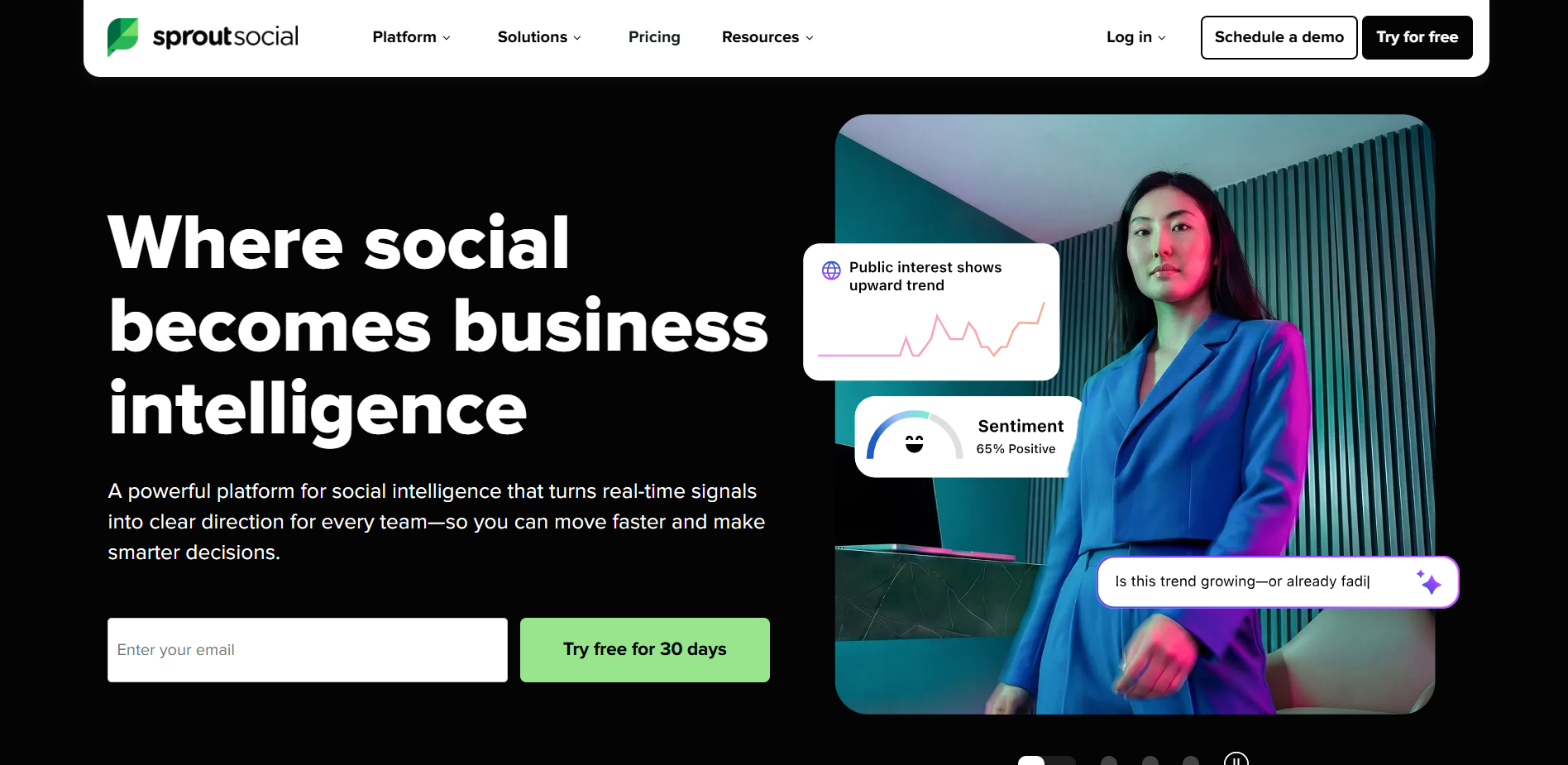
Sprout Social is built for larger organizations that treat social media as part of customer service, not just publishing. Its shared inbox includes collision detection, so two team members can’t accidentally reply to the same message, along with sentiment analysis and rule-based message routing.
Pricing starts around $199 per user per month, and the company recently moved to annual-only billing. That cost puts it out of reach for smaller teams, but for a support team fielding a high volume of daily messages, the inbox tools can justify the price.
4. Buffer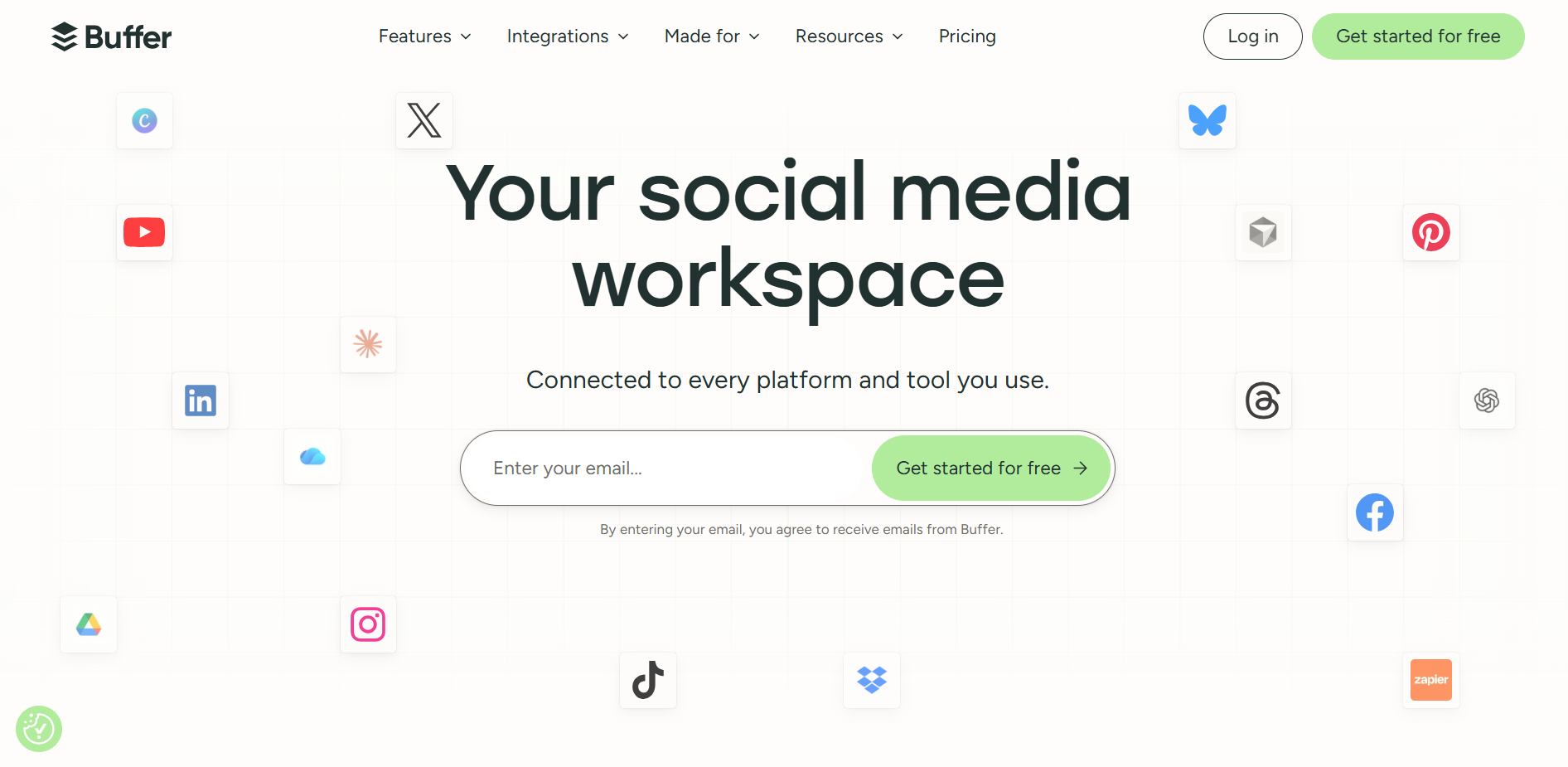
Buffer keeps things simple: scheduling and light analytics, without the extra features found in some of the other tools on this list. Its free plan covers three channels and ten scheduled posts per channel with no credit card required. Paid plans run $6 per channel per month (Essentials) or $12 per channel per month (Team), which adds unlimited users and approval workflows.
What it doesn’t include is a full social listening tool, and its engagement features are limited to Instagram and Facebook comments rather than a complete shared inbox. For a solo creator or a small team that mainly needs consistent scheduling, that tradeoff usually isn’t a dealbreaker.
5. Agorapulse
 Agorapulse sits between Buffer’s simplicity and Sprout Social’s enterprise pricing. Plans start around $69 to $79 a month, and its shared inbox is regularly cited as one of the easier ones to use day to day.
It doesn’t match Hootsuite or Sprout Social on social listening depth, but for a mid-size team that wants solid reporting and inbox management without per-seat pricing, it covers most of what’s needed.
6. SocialPilot
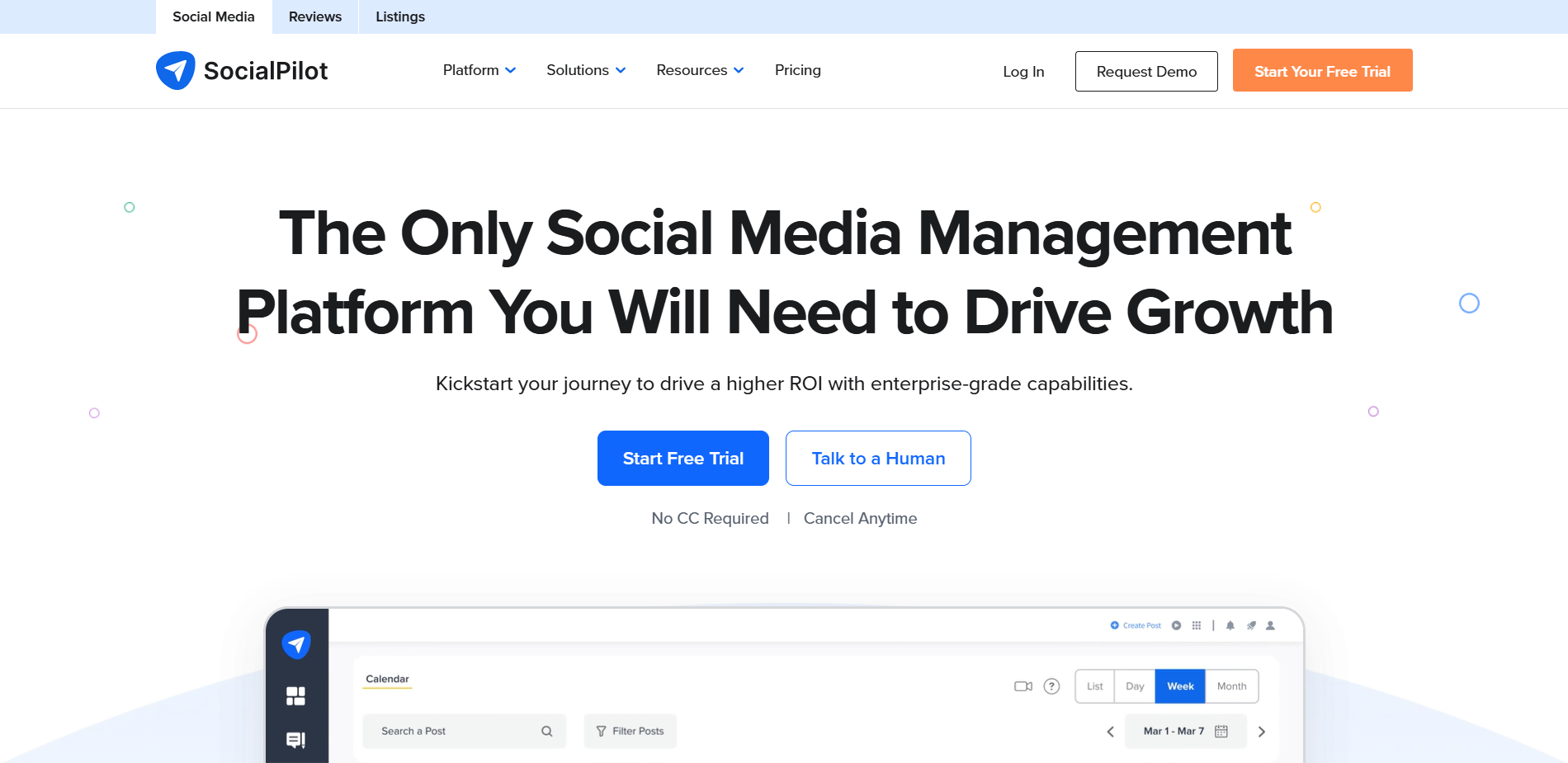 SocialPilot is built with agencies in mind. Instead of per-seat pricing, plans are structured around the number of client accounts and social profiles connected, which tends to work out cheaper for agencies managing several small clients rather than one large internal team.
Its analytics and calendar tools are solid, though not as deep as some of the higher-priced options on this list. White-label client reporting is one of its stronger features, letting agencies send branded reports without extra cost per client.
7. Later
Later started as an Instagram-focused scheduling tool, and it still shows. Its visual content calendar and grid preview make it a strong pick for brands where Instagram and TikTok carry most of the posting workload, and the interface is straightforward to pick up.
Its social listening and analytics are more limited than the rest of this list, and its shared inbox doesn’t offer the same depth as Hootsuite or Sprout Social. It works best as a focused tool for visual platforms rather than an all-in-one replacement.
Choosing between these tools mostly comes down to two questions: how many platforms does the business actually post to, and does anyone on the team need to handle a high volume of messages, or mainly just schedule posts and check analytics. A solo creator managing three accounts needs something very different from a ten-person agency fielding client messages all day, and that difference in daily workload usually matters more than any single feature on a comparison chart.
It’s worth trying the free trial or free plan on two or three shortlisted tools before committing to an annual contract. Most of these platforms look similar in a sales demo, and the real differences (how fast the inbox actually feels, whether the mobile app is usable, how the reporting looks with real data) only show up once a team is using the tool day to day.